Authentication #
Login Tokens and API Tokens #
A login Token signs you into the Agent UI.
An API Token calls Agent APIs directly through the X-API-TOKEN header. Each API Token has its own permissions and expiration. Its permissions determine which APIs it can call.
Getting the Login Token #
Automatic Generation and Display #
If you do not configure a login Token, Agent generates one and saves it in the keystore. Agent normally reuses this Token across restarts.
When Agent first generates the login Token, it prints the Token to standard output:
 --  Login Token  -----------------
|   Token: <LOGIN_TOKEN>    |
 ----------------------------------
When Agent restores a Token from the keystore, it hides the Token by default. To display it again, set AGENT_SHOW_LOGIN_TOKEN=1 or true before starting Agent. This variable controls display only. It does not generate a new Token.
macOS or Linux:
AGENT_SHOW_LOGIN_TOKEN=1 ./agent
Windows PowerShell:
$env:AGENT_SHOW_LOGIN_TOKEN = "1"
.\agent.exe
If the keystore cannot save the Token, read the startup warnings. A Token that Agent cannot persist can change after a restart.
Explicit Configuration #
Set the AGENT_LOGIN_TOKEN environment variable or add this top-level section to agent.yml:
security:
  login_token: "<YOUR_LOGIN_TOKEN>"
The environment variable takes precedence over the configuration file. Both take precedence over the saved keystore Token. The current version prints explicitly configured login Tokens at startup.
Creating an API Token #
After logging in to Agent, create an API Token in the UI:
- Open the service management page and click the settings button (gear icon) in the upper-right corner.
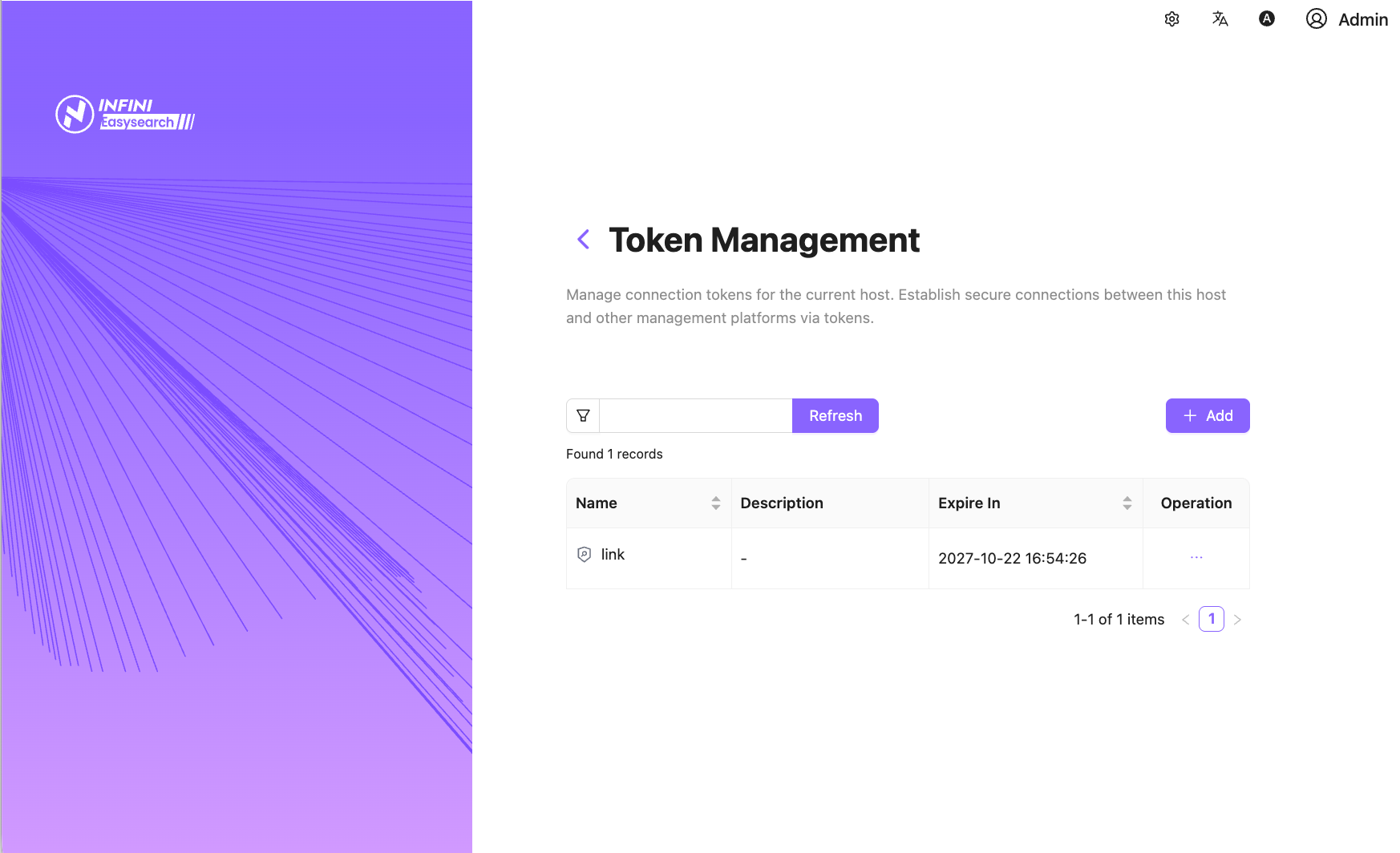
- Select “API Token” from the dropdown menu to open “Token Management”.
- Click “Add”, enter a name, select the required permissions, and enter an optional description. Then click “Create”.
- Copy and save the new API Token. After you close the dialog, the management UI cannot display the full Token again. If you lose it, create a new one.
Calling APIs with an API Token #
Send the API Token in the X-API-TOKEN header:
curl http://localhost:23000/elasticsearch/node/_discovery \
  -H "X-API-TOKEN: <API_TOKEN>"
Protected endpoints return HTTP 401 when authentication fails. They return HTTP 403 when an authenticated API Token lacks the permissions that the endpoint requires.