Application Search #
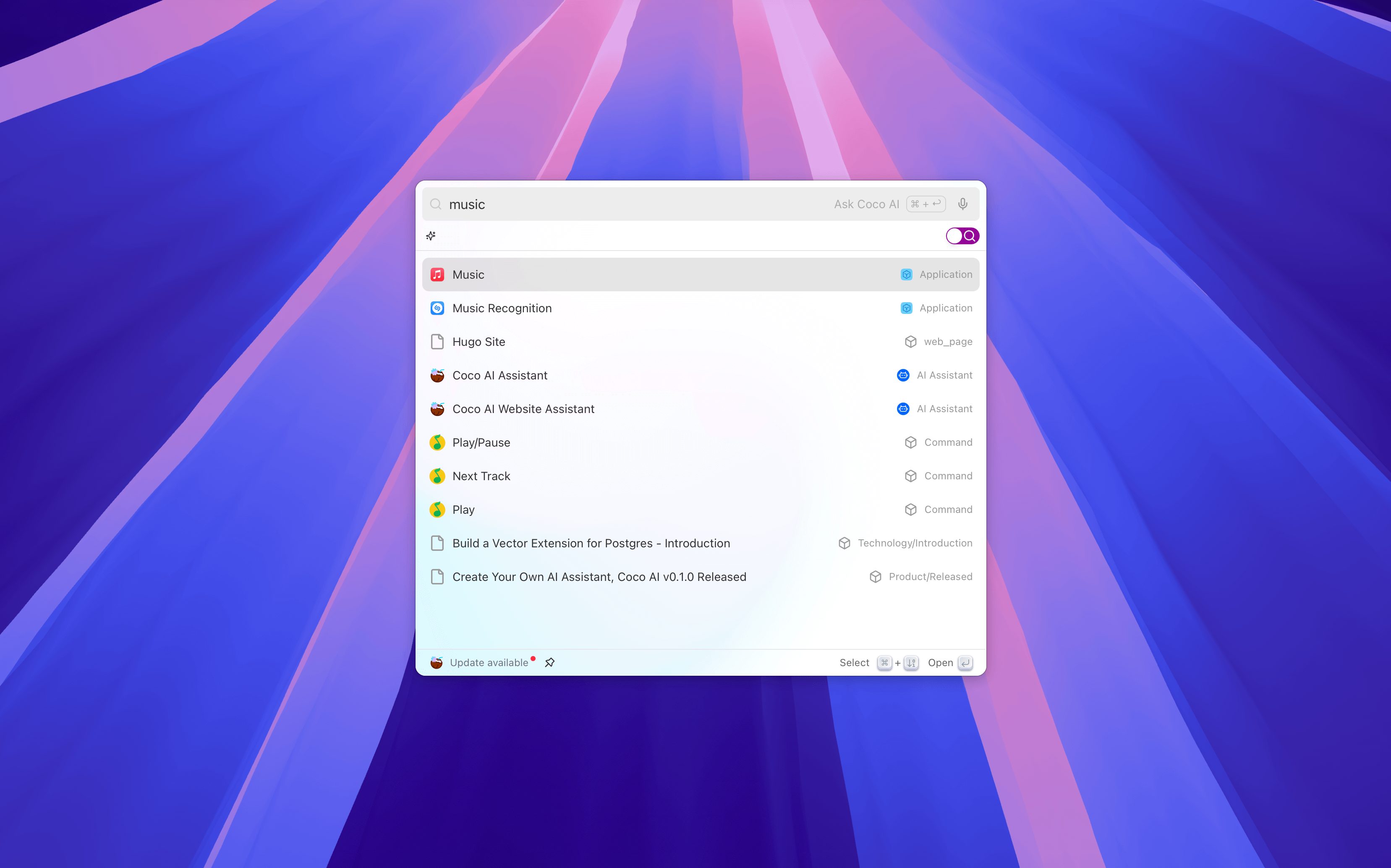
The Applications feature allows you to directly search for and launch locally installed applications in Coco AI. You can quickly find and open any application through the unified search entry without switching windows or manually searching.
Feature Overview #
Quick Launch: Enter the application name in the search box to instantly match results and quickly open the program.
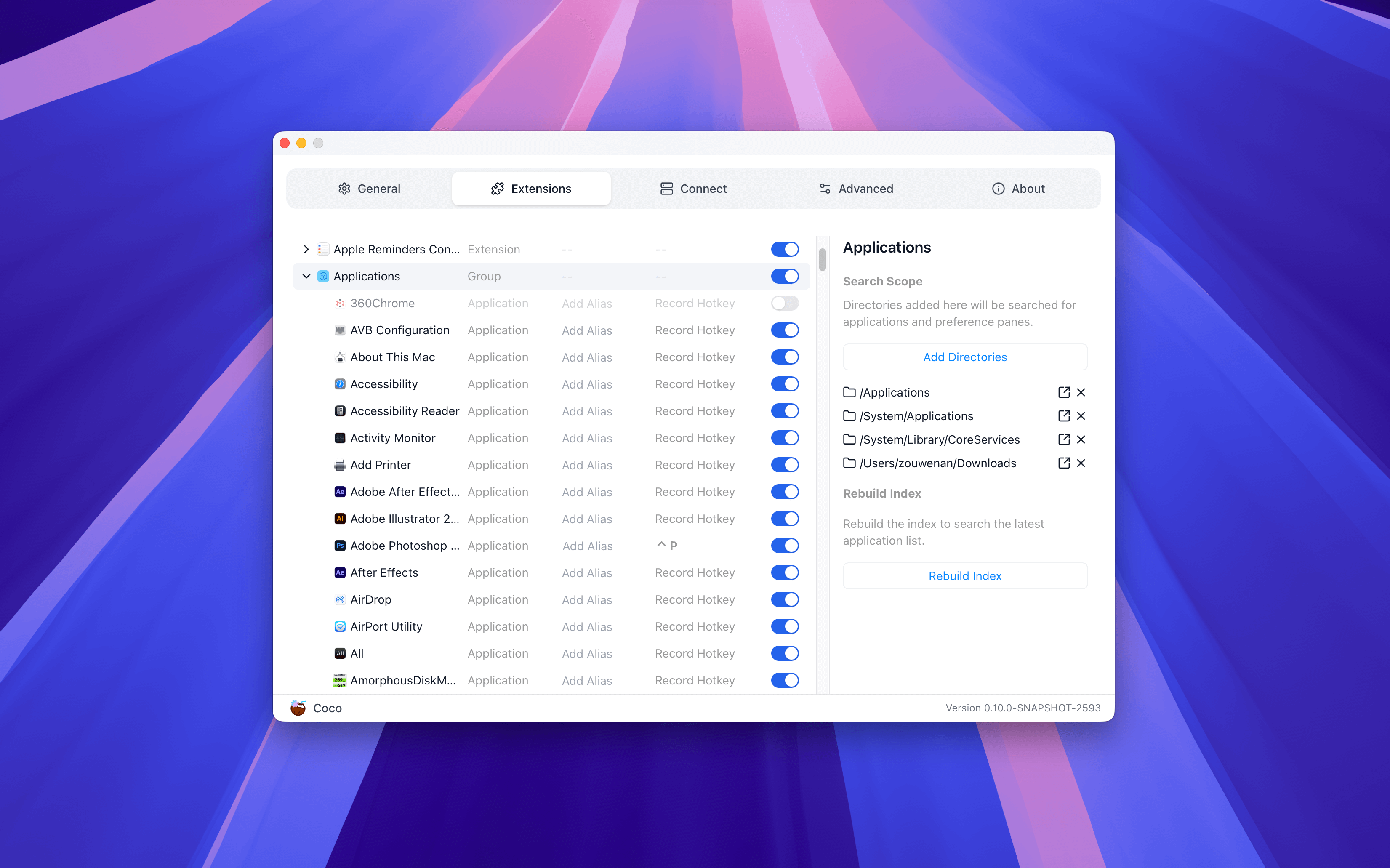
Custom Search Scope: Control which directories' applications are indexed and displayed through settings.
Feature Settings #
To use the AI Overview feature, you need to configure it in the settings:
Search Scope Specify the paths where Coco AI will search for executable applications.
- For example:
- macOS:
/Applications,~/Applications - Windows:
C:\Program Files,C:\Users\<User>\AppData\Local
- macOS:
- You can add or remove paths according to actual needs to avoid displaying irrelevant programs.
- For example:
Rebuild Index
Rescan and update the local application index.
- Usually, there is no need to perform this manually.
- If you find that an installed application does not appear in the search results, you can click Rebuild Index to manually retry and update the results.