Quick AI Access #
The Quick AI Access feature allows you to directly start a conversation with AI through the search box without switching to chat mode. This feature provides users with a smoother and more efficient interaction experience, especially suitable for scenarios where quick feedback or handling simple questions is needed.
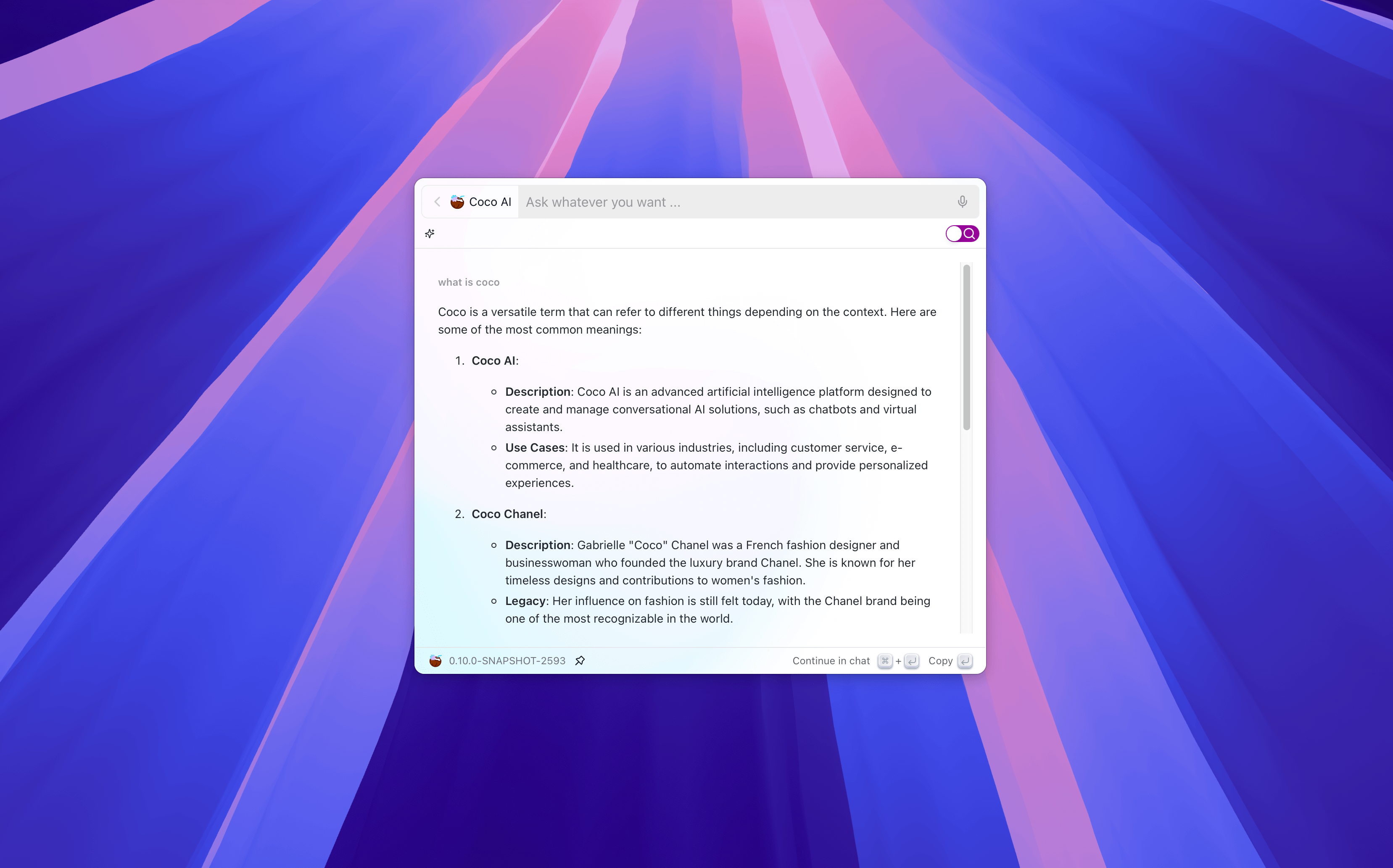
Feature Overview #
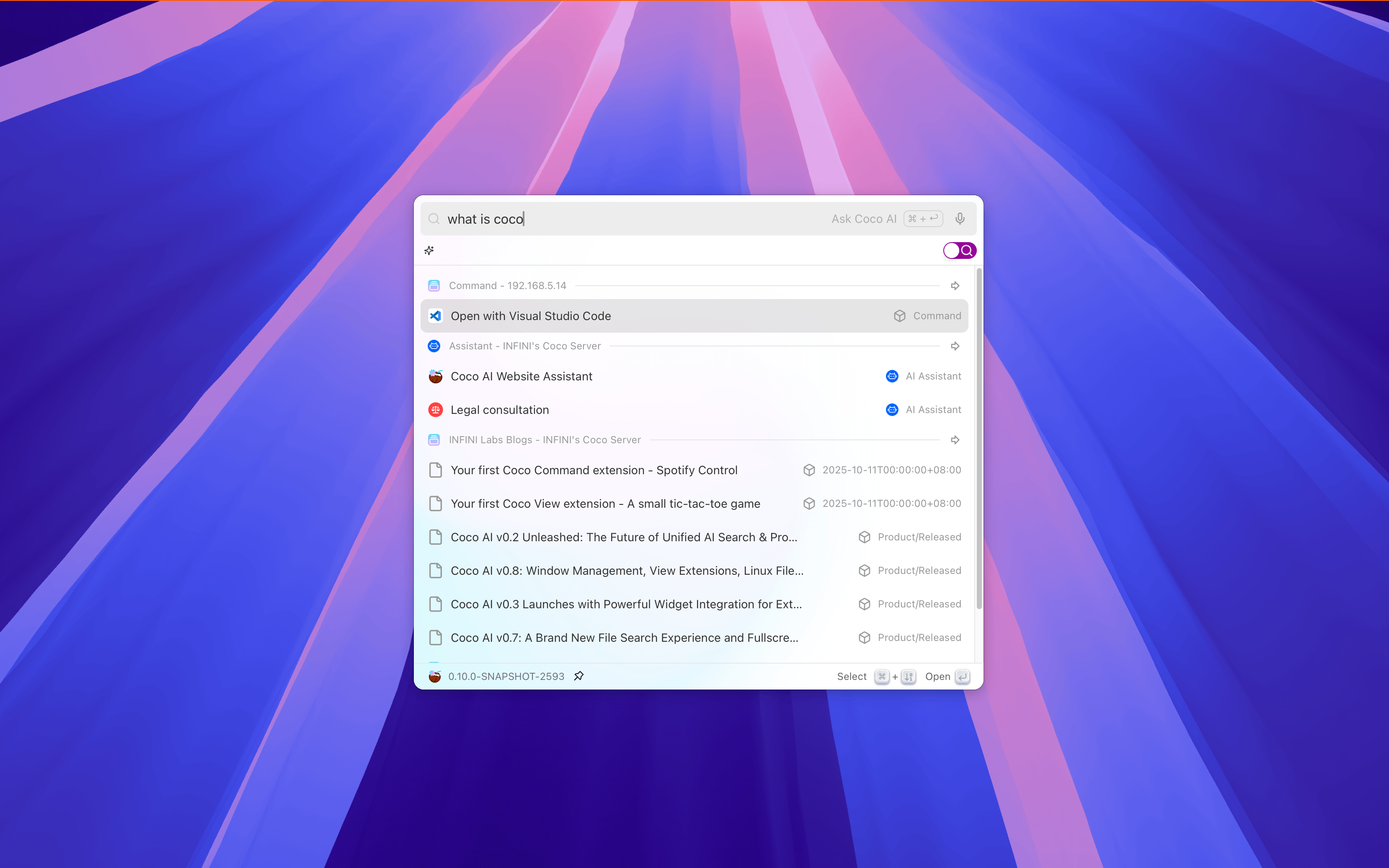
- Quickly Start a Conversation: After entering content in the search box, press
Meta + Enterto directly start a conversation with the AI assistant without switching to chat mode. - Instant Response: Coco AI will display the conversation reply in the same window, providing answers or suggestions quickly.
- Switch from Conversation Mode: After completing a quick conversation, press
Meta + Enterto switch to the full chat mode and continue multi-turn conversations.
Enabling Quick AI Access #
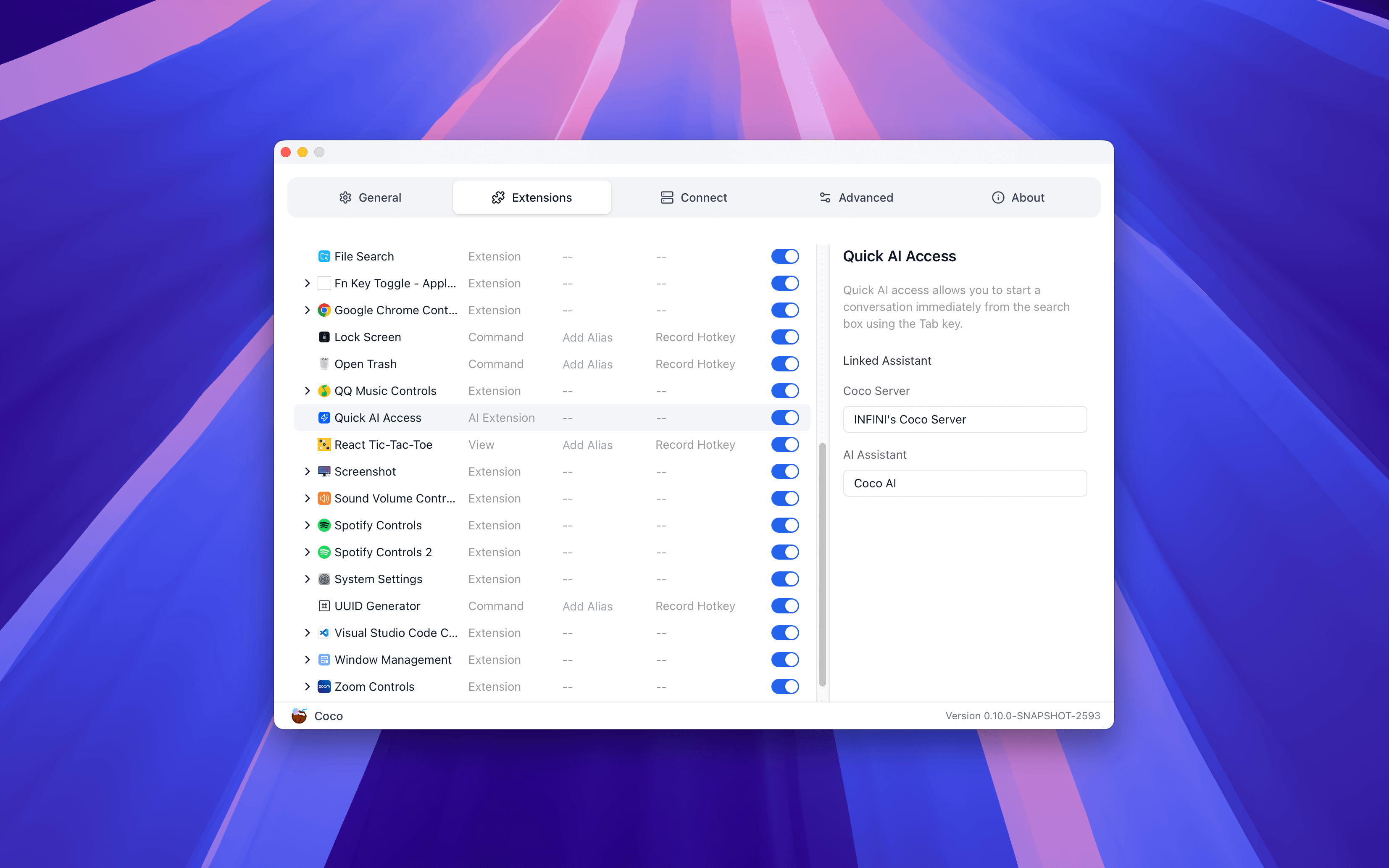
To use the Quick AI Access feature, you need to configure it in the settings:
- Open the Settings page and select the Extensions option.
- In the Quick AI Access Extension configuration, associate an AI assistant that you want to quickly access via
Meta + Enter. - After saving the settings, you can directly start a conversation with the selected assistant through
Meta + Enterin the search box.