Window Management #
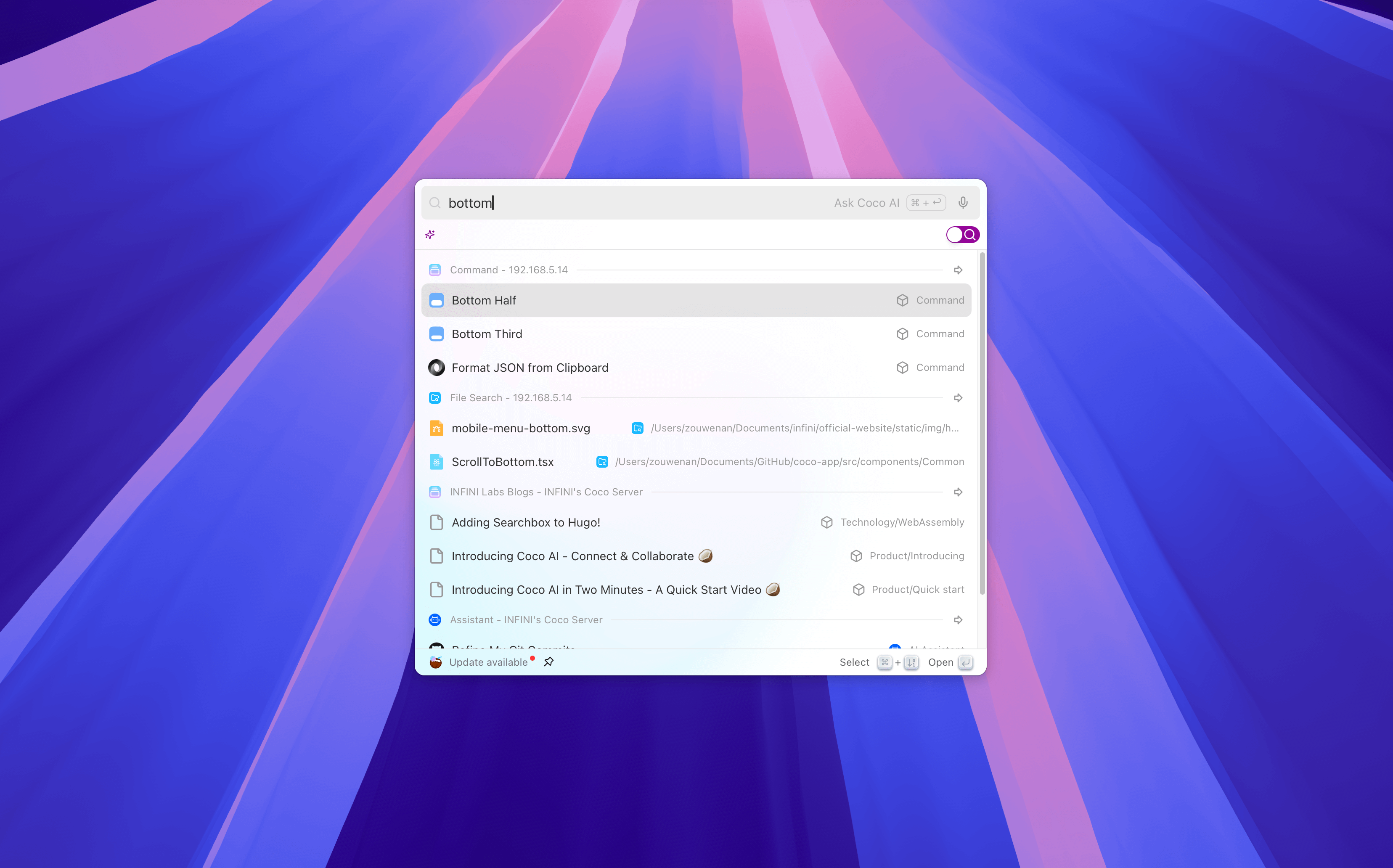
Easily adjust, reorganize, and move the windows you’re focusing on. No need for manual dragging—quickly perform window layout operations through commands.
Feature Overview #
- Move Windows: Move the current window to the left half, right half, top half, or bottom half of the screen.
- Resize Windows: Quickly adjust to full screen, centered, 1/3, or 2/3 size layouts.
- Multi-monitor Support: Quickly move windows between multiple monitors.
- Focus Windows: Quickly focus on a specified window or application via shortcut keys.
Usage #
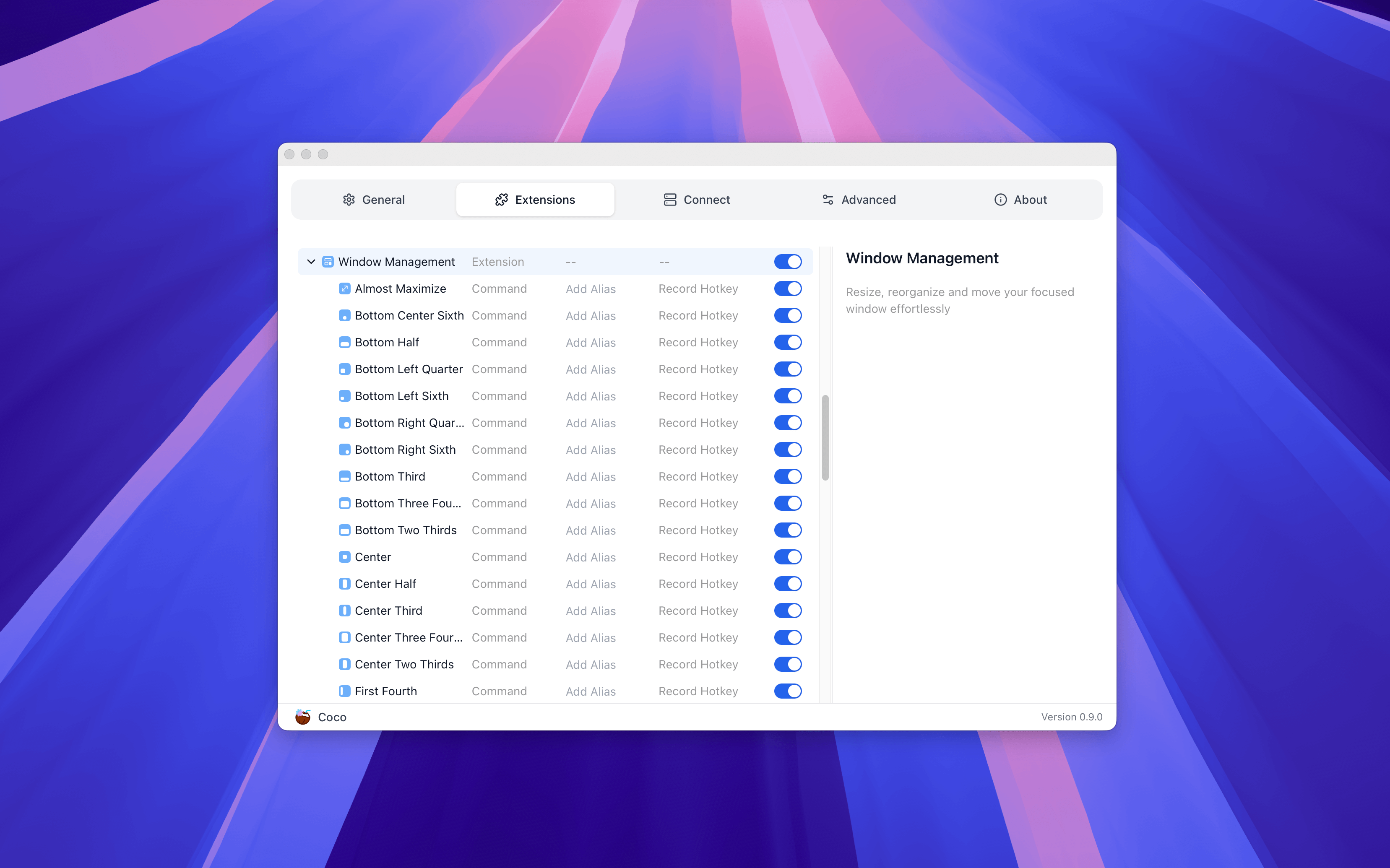
Enter commands included in Window Management in the Coco AI search box to browse and execute window management commands, such as:
- Almost Maximize Bottom — Maximize the window to the lower area of the screen
- Bottom Half — Move the current window to the lower half of the screen
- Bottom Left Quarter — Position the window to the bottom-left quarter
- Bottom Right Sixth — Place the window in the bottom-right sixth area
The window’s position and size will be adjusted immediately after selecting a command.
💡 Tips
- System-level window operations are supported; some special types of windows (such as full-screen or independent floating windows) may not be controllable.
- It is recommended to combine custom shortcuts for commands to quickly achieve common window layouts.