Settings #
In Coco AI, you can adjust various settings of the application according to your personal needs (shortcut: Meta + ,) . The settings page is divided into several main sections, allowing you to easily manage startup items, shortcuts, extensions, connections, and advanced features.
General #
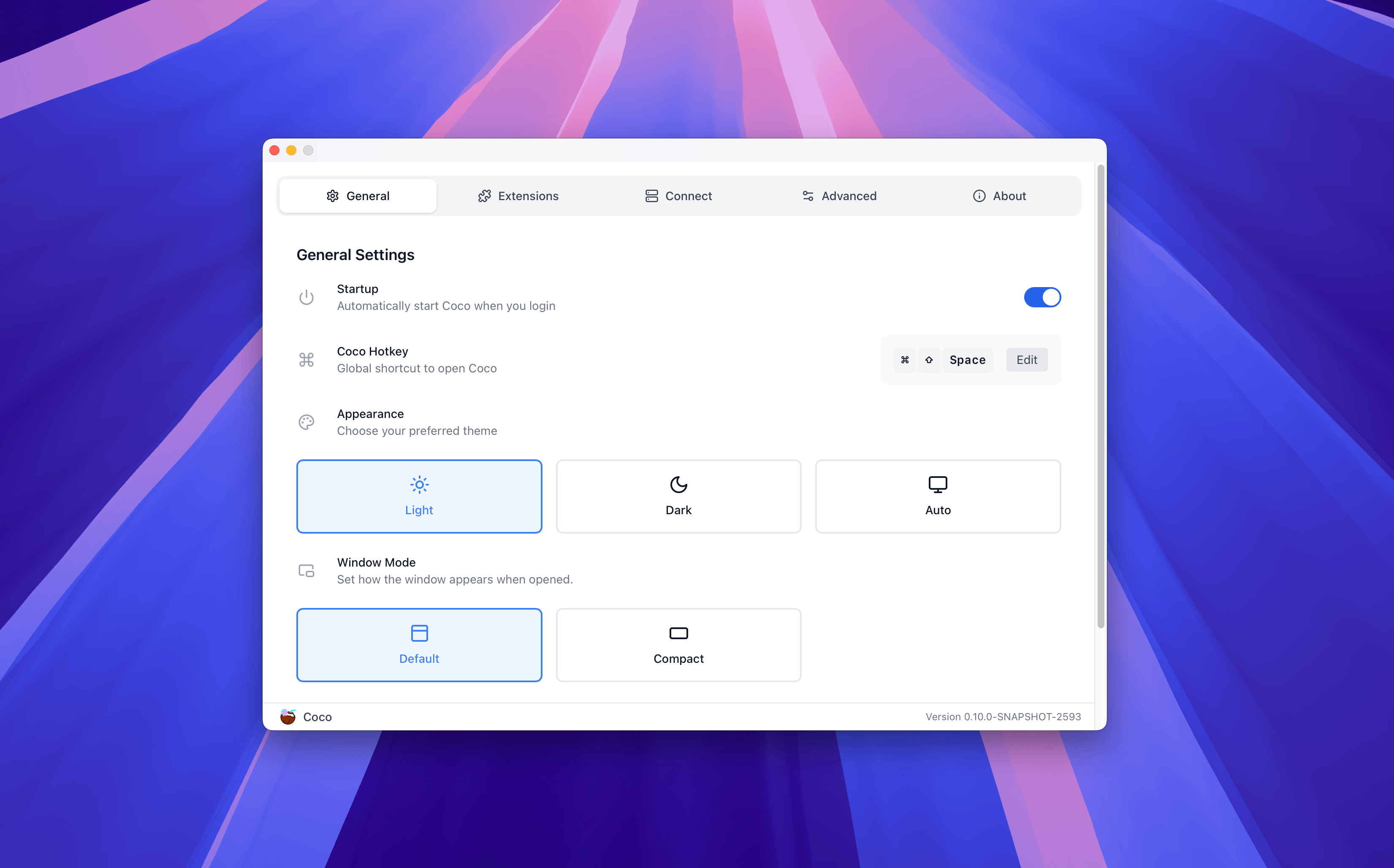
In the General Settings section, you can adjust Coco AI’s startup items, startup shortcuts, interface appearance, and language.
Extension #
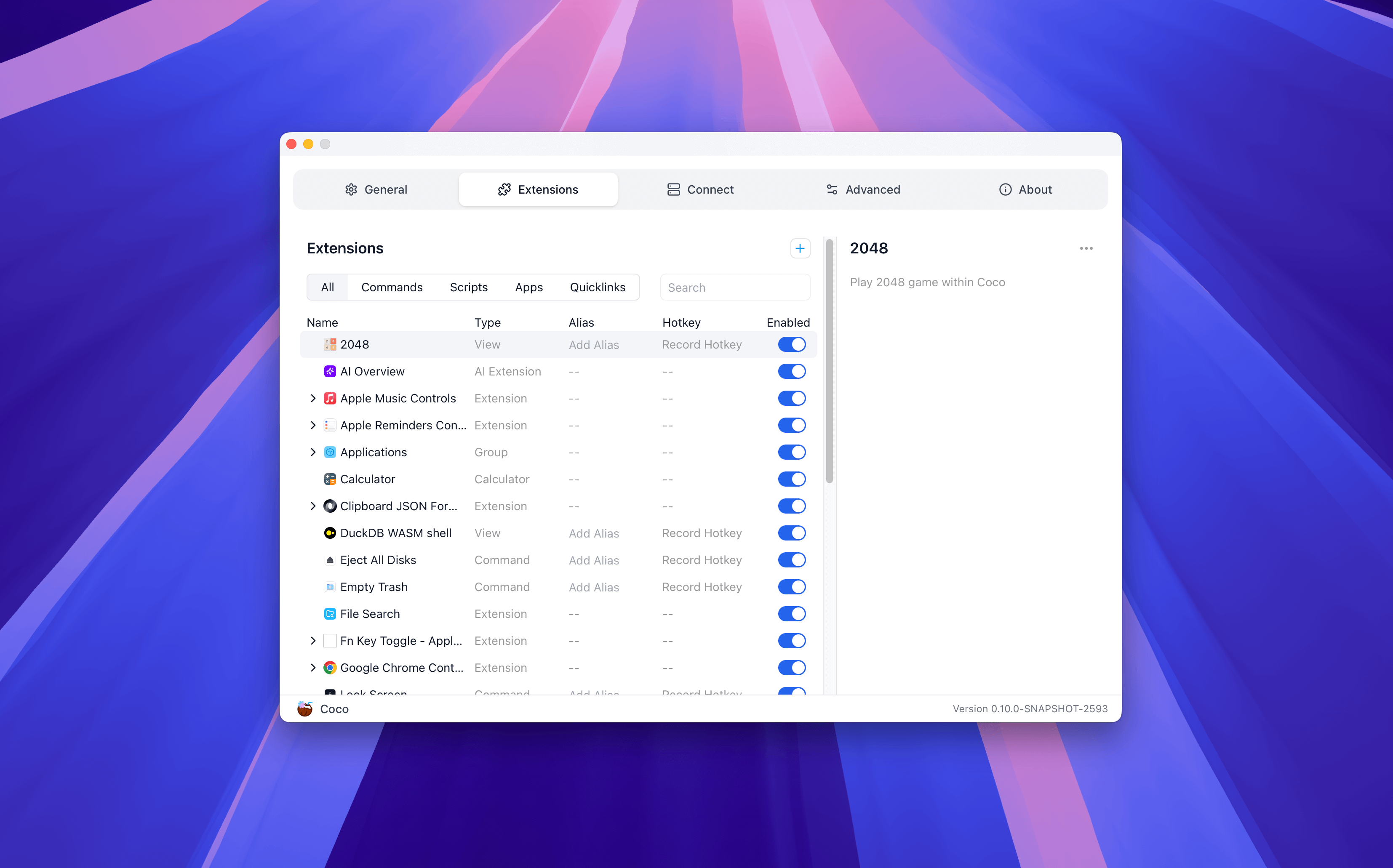
In the Extension Settings, you can view, manage, and configure installed extensions.
Connect #
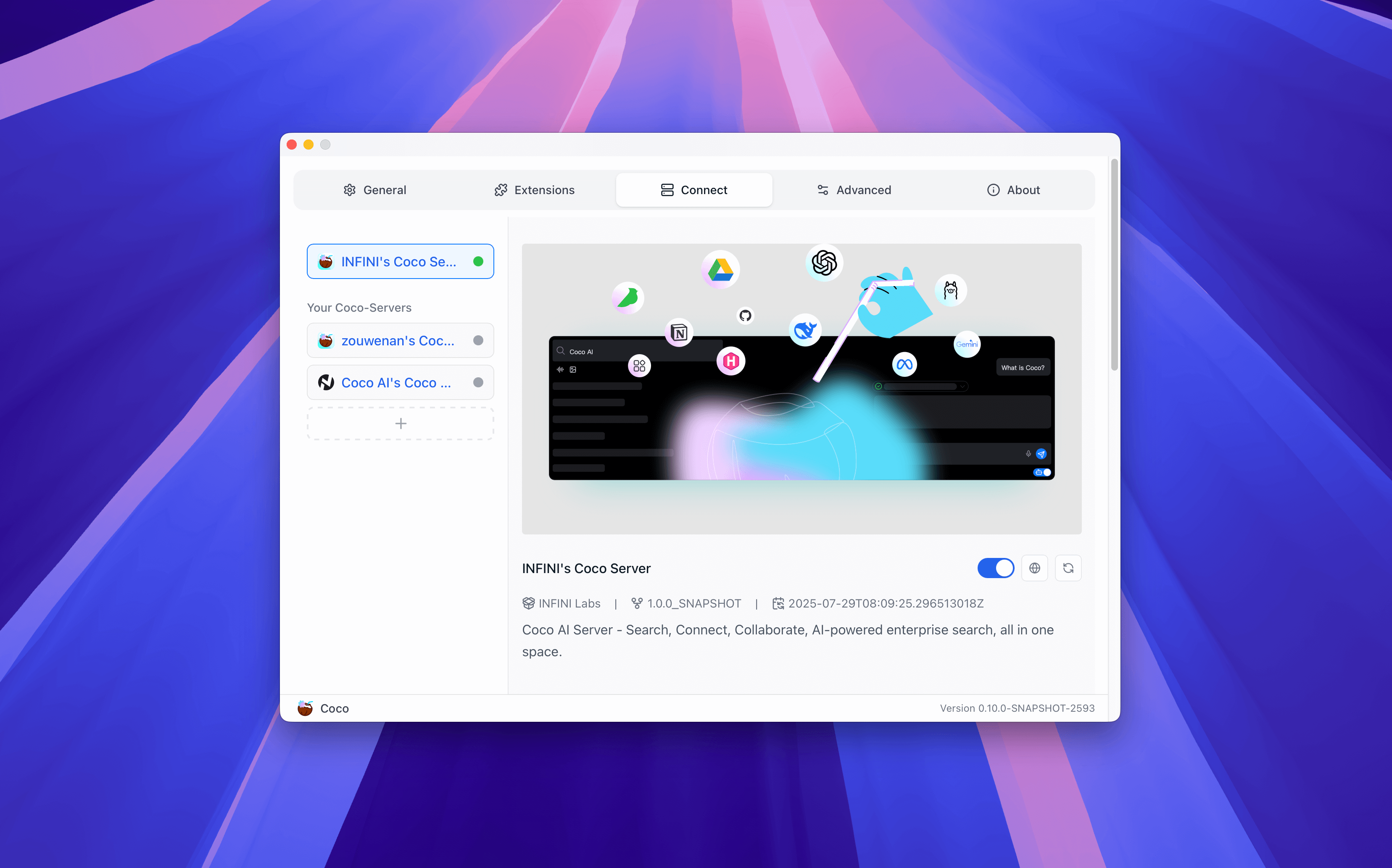
In the Connect Settings, you can view and manage connections to Coco Server. This section involves logging in, enabling/disabling, and deleting connected servers.
Advanced #
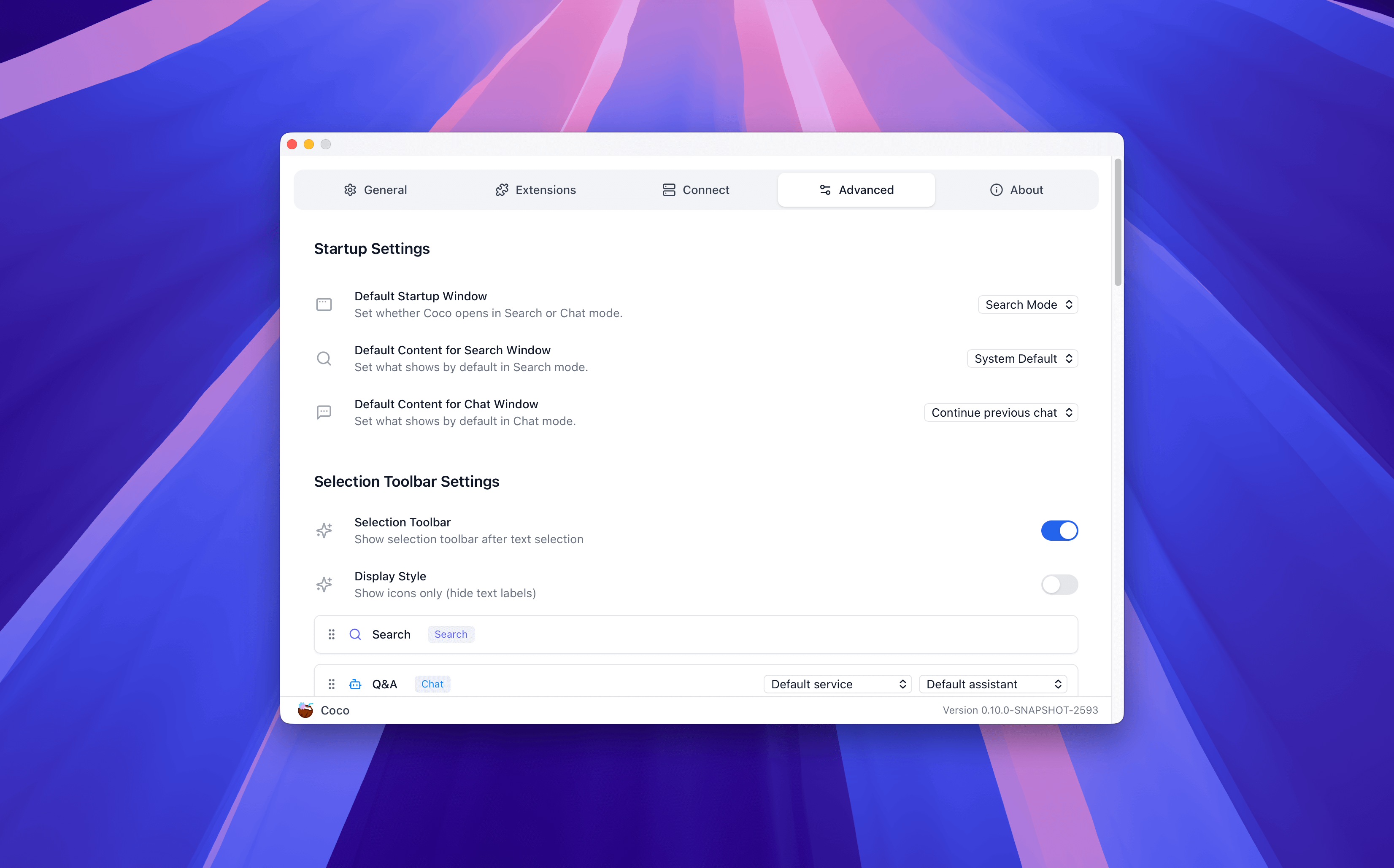
In the Advanced Settings, you can configure more detailed options such as startup, connections, shortcuts, and version updates.
About #
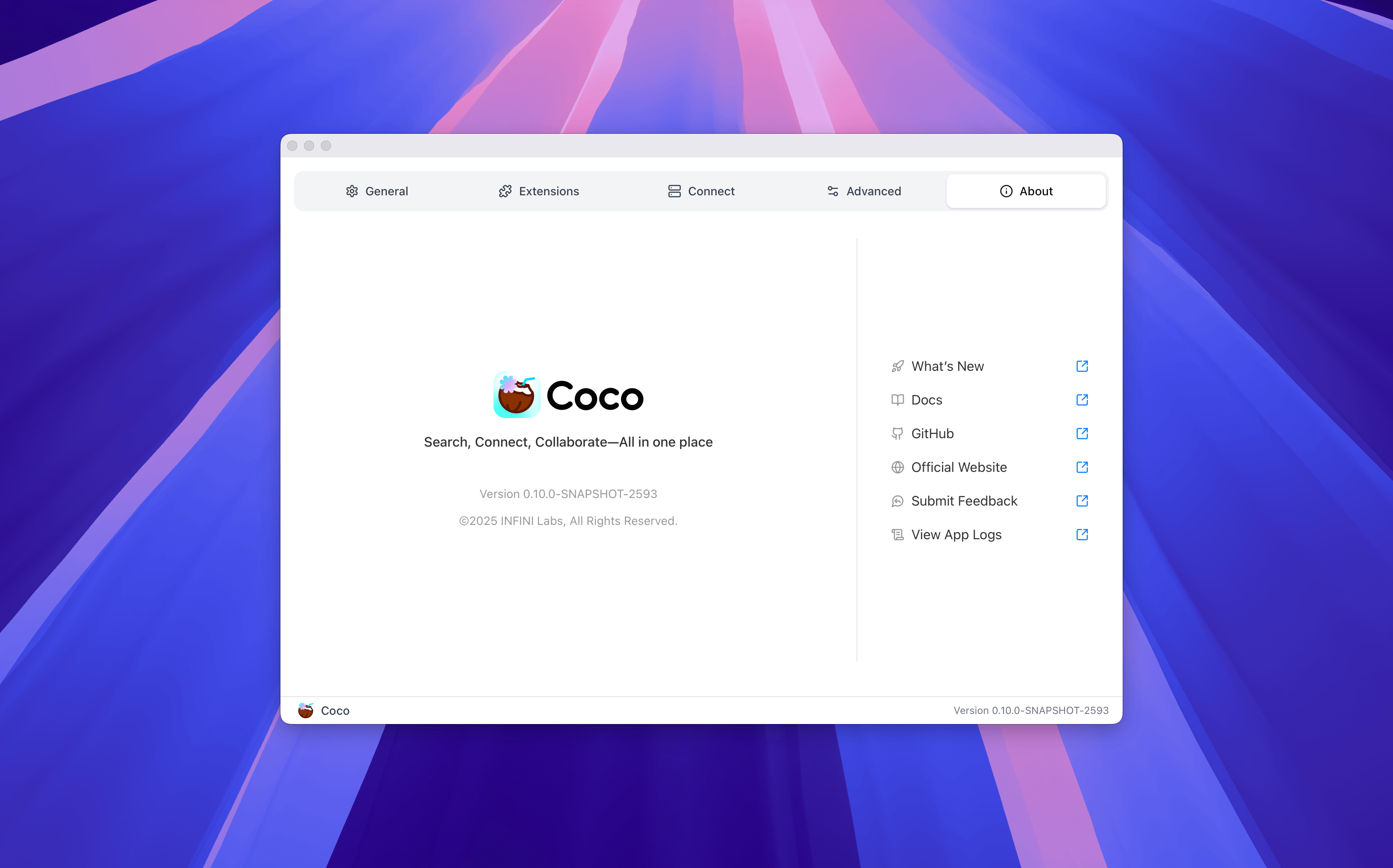
In the About Us section, you can view current version information, access help documentation, and submit feedback.